Setup guide
MAG box setup. Ready in about 6 minutes.
Connect a MAG or compatible box with the portal address OrigineTV sends you.
- MAG or compatible set-top boxYou’ll need
- Your OrigineTV portal addressYou’ll need
- Ethernet or stable Wi-FiYou’ll need
- Moderate4 steps · ~6 min
01
Step 1 of 4
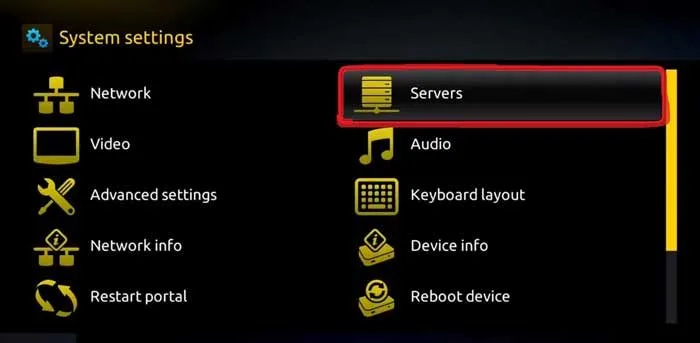
Open System settings
- 1
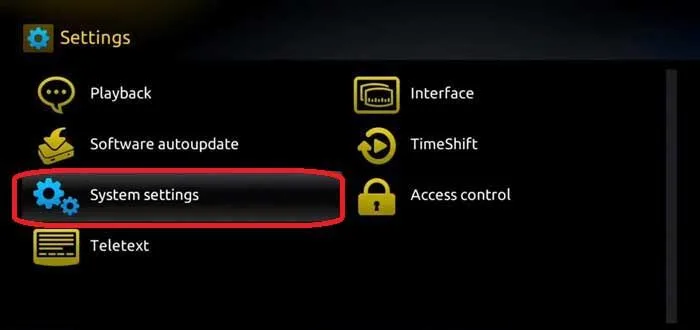
On your MAG box, open System settings.
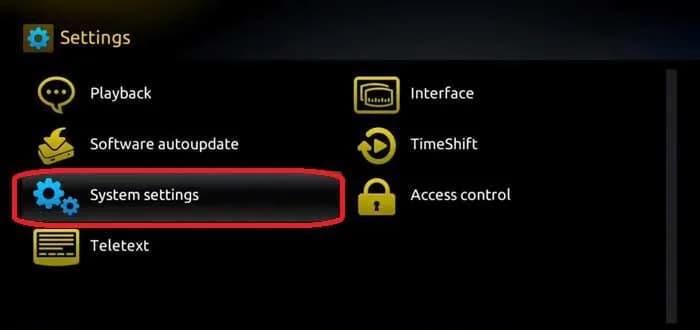
MAG — System settings
02
Step 2 of 4
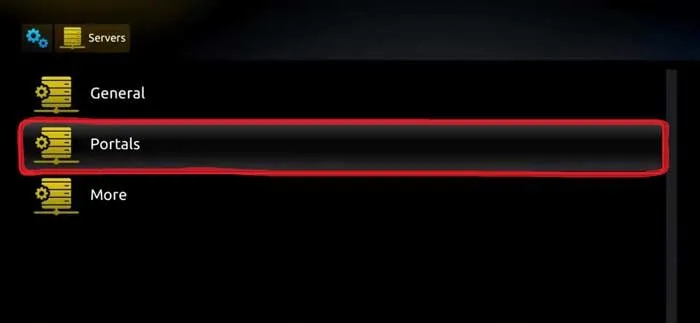
Go to Servers, then Portals
- 1
Select Servers.
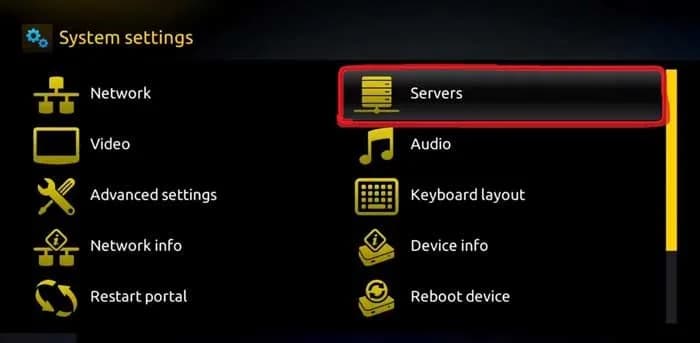
MAG — Servers - 2
Select Portals.
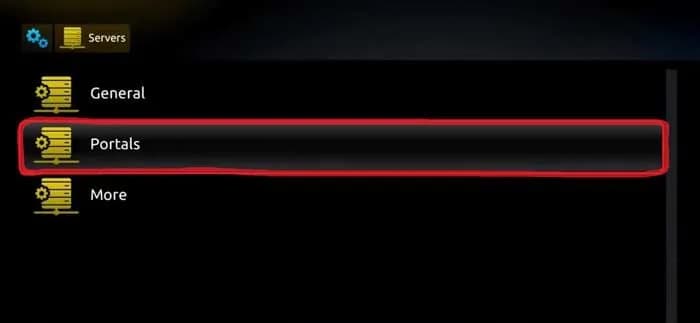
MAG — Portals
03
Step 3 of 4
Enter your portal
- 1
Name the portal “OrigineTV”.
- 2
Enter the portal URL from your OrigineTV subscription, then save.
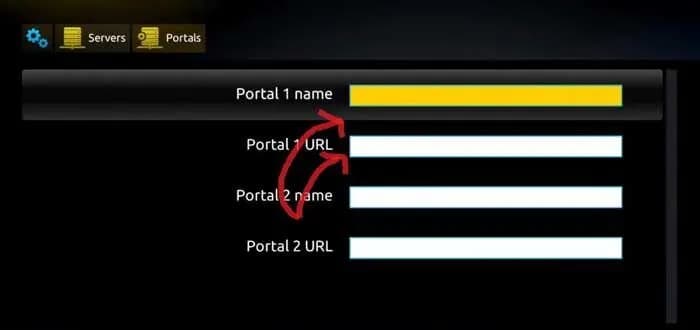
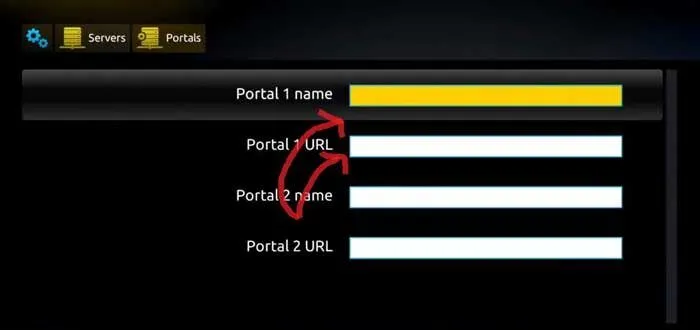
MAG — portal name and URL
04
Step 4 of 4
Restart the portal
- 1
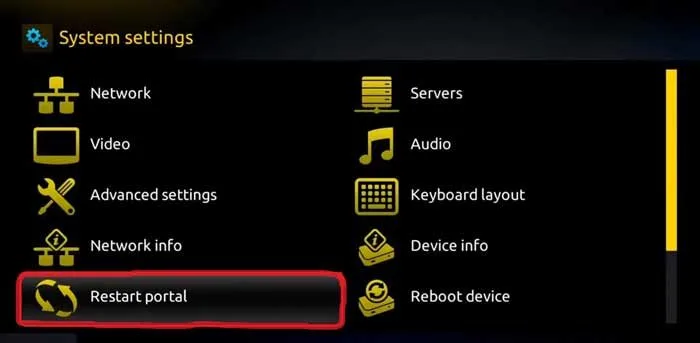
Go back to System settings and select Restart portal.
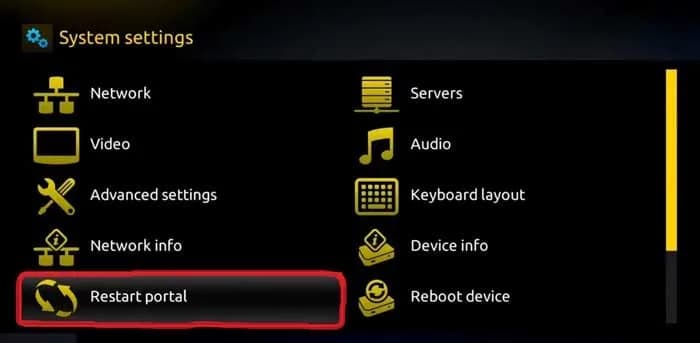
MAG — Restart portal - 2
Wait for your channels to appear.
Your MAG box is ready.
Open your player and enjoy OrigineTV. Channels missing or the picture not right? We’ll sort it out with you.
Other devices
Setting up another screen?
Support · 7 days a week
Still not connected?
Send us your device and a photo of the screen. A real person replies — usually within minutes — and stays with you until it works.